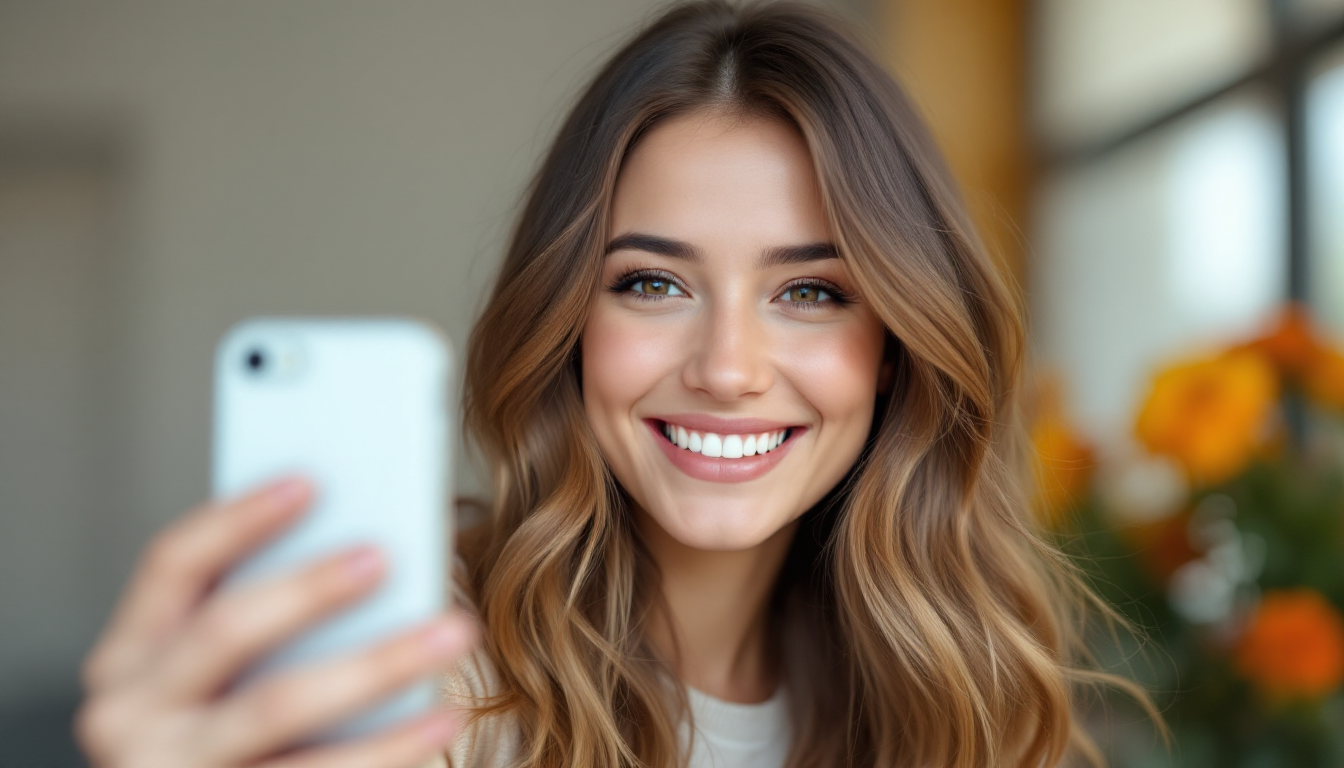
Your Perfect Selfie: How to Upload a Photo That AI Loves
Introduction: Why a Perfect Selfie Matters
When you use AI-powered hairstyle try-on tools, the quality of your starting photo directly impacts the realism and accuracy of every virtual haircut, color change, or styling suggestion. A crisp, well-lit, front-facing image helps the AI map your unique face shape, hairline, and texture—so you avoid results that look “wig-like,” distorted, or just plain off. By mastering a few simple selfie techniques, you’ll unlock the full potential of platforms like HaircutAI, HairstyleTryOn, AI Suit Up, and even Google Gemini’s hairstyle assistant. Let’s dive into why each element—lighting, angle, expression, and more—matters and how to nail them on the first take.
-
Lighting: The Key to Clarity
• Aim for soft, even natural light. Position yourself facing a window in the morning or late afternoon when sunlight is diffused. Harsh midday sun casts deep shadows that confuse AI facial analysis (haircutai.app).
• Avoid mixed lighting sources. Combining daylight with overhead bulbs or lamps can create color casts. Stick to one neutral light source to preserve true hair and skin tones.
• Steer clear of backlighting. If the main light is behind you, your features will fall into shadow. Instead, keep your light source at or slightly above eye level.
• If natural light is unavailable, use a softbox or ring light set at daylight color temperature (around 5,500K). This mimics window light without hotspots. -
Angles: Capture Your Best Side
• Eye-level framing is ideal. Holding your phone too high or too low alters perceived face shape and hairline position, leading to unnatural AI overlays (hairstyletryon.ai).
• Default to straight-on. A neutral, front-facing shot gives AI the fullest view of your forehead, cheekbones, jawline, and hairline—all critical for accurate style placement.
• Optional 45° shots. Some platforms recommend a slight turn (about 30–45°) to showcase how volume and layers wrap around your head. If you capture an angled shot, keep the same lighting and background for consistency (aisuitup.com).
• Use gridlines. Most cameras let you overlay a rule-of-thirds grid. Center your face in the middle square to ensure consistent framing. -
Expressions: Keep It Natural
• Relax your features. A neutral, gentle expression (soft eyes, closed mouth, no forced smile) helps the AI gauge your natural bone structure (hairstyletryon.ai).
• Avoid exaggerated poses. Puffed cheeks, tilted chins, or squinting can mislead algorithms about jawline and cheek contours.
• Breathe normally. Tension in your neck or face changes muscle tone and subtly shifts your hairline—small differences that cascade into odd virtual hairstyles. -
Avoiding Obstructions: Clear the Frame
• Pull hair off your face. Tie long hair back or clip bangs up so the AI sees your entire forehead and sideburn area. Accurate hairline detection is vital for believable overlays (tomsguide.com).
• No hats, glasses, or heavy filters. Accessories and AR filters distort facial landmarks. Even tinted lenses can throw off color matching.
• Simplify your background. A plain wall or uniform backdrop prevents visual “noise” that might confuse the AI’s segmentation process.
• Remove jewelry near your hairline. Large earrings or headbands can cast shadows or obstruct critical hairstyle regions. -
Step-by-Step Photo Preparation
-
Choose your location. Face a large window or set up a ring light. Ensure no competing light sources.
-
Set your camera. Select the highest resolution available, turn off beauty modes or AI filters, and enable gridlines.
-
Tidy your hair. Brush through, then clip back bangs or front sections to fully expose your hairline.
-
Adopt your pose. Hold the phone at eye level, center your face, relax your expression, and keep shoulders square.
-
Take multiple shots:
a. Front-on neutral expression
b. Slight 30–45° turn to left
c. Slight 30–45° turn to right -
Review and select. Zoom in to check for shadows, blur, or stray hairs. Pick the sharpest, most evenly lit image.
-
Upload to your chosen AI tool and note its feedback. If results seem off, revisit lighting or angle based on platform tips.
-
Bonus Tips for Realistic Results
• Start with moderate changes. Jumping from long to buzz cut can expose mismatches in AI blending. A subtle trim or layered cut is easier for algorithms to render naturally (reddit.com).
• Specify hair texture. If the platform asks, note whether your hair is fine, coarse, curly, or straight—this guides strand-level detail.
• Maintain consistency. If you try multiple styles, use the same selfie setup so differences reflect the hairstyle, not photo variables.
Conclusion: Perfecting Your AI Experience
By mastering lighting, angles, expressions, and frame clarity, you’ll give any AI hairstyle try-on tool the optimal data it needs to deliver stunningly realistic previews. Whether you’re experimenting with bold color, daring cuts, or subtle trims, these photo guidelines ensure the virtual you looks—and feels—like the real you. Now, grab your phone, find that flattering window light, and snap the selfie that AI will love.