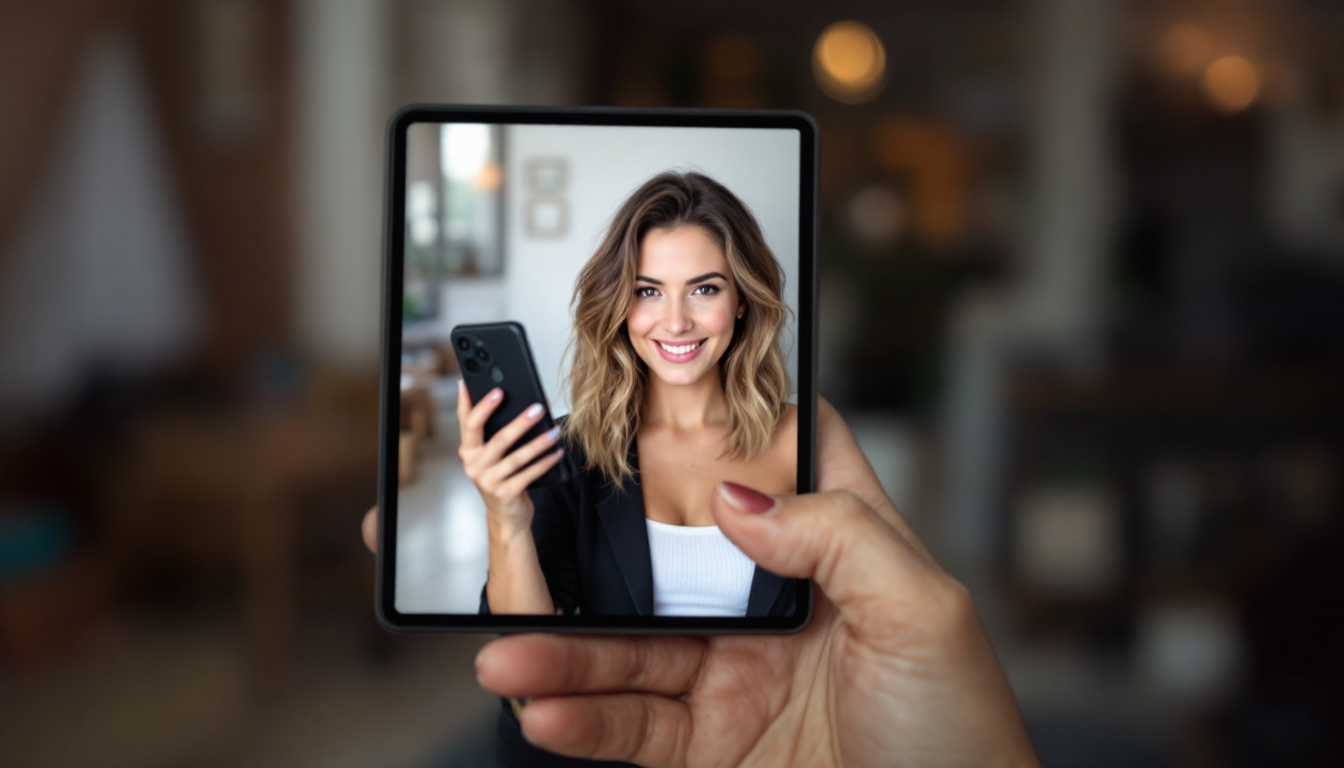
Introduction to AI Hairstyle Try-Ons
Artificial intelligence has transformed the way we experiment with our look. AI-powered hairstyle try-on tools let you preview dozens of cuts, colors and textures on your own face in seconds—risk-free, cost-effective and hyper-realistic. By uploading a clear selfie, you leverage state-of-the-art models like HairFastGAN, StyleGAN Salon and HairCLIPv2 to transfer new styles onto your image with remarkable fidelity (https://arxiv.org/abs/2404.01094?utm_source=openai; https://arxiv.org/abs/2304.02744?utm_source=openai; https://arxiv.org/abs/2310.10651?utm_source=openai).
Benefits of AI hairstyle try-ons
• Instantly preview dramatic or subtle changes without a salon appointment
• Compare multiple looks side-by-side to reduce decision regret (https://hairstyle-ai.app/en/posts/try-your-face-with-different-hairstyles?utm_source=openai)
• Communicate precisely with your stylist using realistic mock-ups
• Explore colors, cuts and textures tailored to your face shape and lifestyle
Whether you’re contemplating a bold new hue or a flattering fringe, AI try-on platforms—ranging from GetHairVision to YouCam Makeup—put professional-grade previews at your fingertips.
Capturing the Perfect Photo
Success hinges on your input image. AI algorithms need a high-quality selfie to detect your face and hairline accurately. Follow these best practices:
- Use a frontal-facing, well-lit shot with even lighting—natural daylight is ideal (https://hairstyle-ai.app/en/posts/try-your-face-with-different-hairstyles?utm_source=openai).
- Choose a plain, uncluttered background so the AI can segment hair without distractions (https://www.pixelcut.ai/create/virtual-hairstyle-try-on?utm_source=openai).
- Pull hair back away from the face (into a low ponytail or bun) to reveal your entire hairline.
- Keep your face expression neutral and look straight into the camera.
- Use a high-resolution image (at least 800×800 pixels) for crisp results.
By adhering to these guidelines—echoed by Pixelcut, AIHairstyles and other top tools—you set the stage for the most realistic, well-aligned hairstyle overlays.
Exploring Hairstyle Categories
Once your photo is uploaded, dive into the curated hairstyle library. Most platforms organize styles by:
• Length: pixie, bob, medium, long
• Texture: straight, wavy, curly, coiled
• Cut details: layers, bangs (blunt, curtain, side-swept), undercuts
• Color: natural tones, pastels, ombré, vivid fashion hues
Leading apps like YouCam Makeup offer over 60 style templates and 150+ hair dye colors (https://www.cyberlink.com/blog/ai-app-photo-editing/2490/best-hair-style-try-on-apps?utm_source=openai), while specialized tools may focus on salon-grade looks or editorial trends. As you browse, pay attention to:
– Silhouette: Does the overall shape complement your preferred aesthetic?
– Maintenance level: Some colors or cuts require daily styling—make sure it fits your lifestyle.
– Inspiration images: Many platforms include celebrity or influencer examples to spark ideas.
Fine-Tuning Options and Preferences
Basic previews are just the start. Advanced AI try-on tools let you refine each look with custom parameters:
• Color saturation, highlights and lowlights
• Parting position and thickness of bangs or fringes
• Hair volume and shine
• Accessories—headbands, hats, clips
Some services operate on a prompt-based interface: describe “shoulder-length wavy balayage with curtain bangs” and watch the AI generate a tailored mock-up (https://www.pixelcut.ai/create/virtual-hairstyle-try-on?utm_source=openai). Google Gemini takes this further—analyze your face shape, then request suggestions based on maintenance preference or even your profession (https://www.tomsguide.com/ai/google-gemini/i-used-gemini-to-find-the-best-haircut-for-my-face-shape-heres-how-you-can-too?utm_source=openai). For power users, community-shared prompts on Reddit show how to preserve skin tone and lighting while swapping in a new hairstyle (https://www.reddit.com//r/AiGeminiPhotoPrompts/comments/1pd4w27/use_this_prompt_to_know_which_hairstyle_suits_you/?utm_source=openai).
Matching Hairstyles to Face Shapes
A key advantage of AI platforms is built-in face-shape analysis. Common categories include:
• Oval: balanced proportions—virtually any style works. Side-swept bangs highlight your cheekbones (https://hairstyle-ai.app/en/posts/try-your-face-with-different-hairstyles?utm_source=openai).
• Round: aim to elongate the face. Tapered cuts or high-volume top styles add height (https://heybeauty.ai/hairstyle-virtual-try-on?utm_source=openai).
• Square: soften the jawline with layers and wispy bangs (https://hairstyle-ai.app/en/posts/try-your-face-with-different-hairstyles?utm_source=openai).
• Heart: counterbalance a wider forehead with curtain bangs or chin-length bobs (https://hairstyle-ai.app/posts/how-to-find-the-perfect-hairstyle-for-your-face-shape?utm_source=openai).
• Diamond: angular faces benefit from side parts and mid-length waves to broaden the forehead and chin areas (https://hairstyle-ai.app/en/posts/try-your-face-with-different-hairstyles?utm_source=openai).
Platforms like HeyBeauty and AIHairstyles guide you through an initial assessment, then prioritize looks proven to flatter your unique proportions.
Tips for Achieving Realistic Results
To maximize authenticity in your virtual makeovers:
• Cross-platform testing: Different algorithms render styles differently. Try the same cut in two or three tools (https://www.pixazo.ai/blog/best-ai-hairstyle-changers?utm_source=openai).
• Compare and save multiple versions: Assemble side-by-side galleries to pinpoint your favorite angle, color or length (https://hairstyle-ai.app/en/posts/try-your-face-with-different-hairstyles?utm_source=openai).
• Seek feedback: Share screenshots with friends, family or your stylist for objective input before committing.
• Note lighting and skin tone consistency: If one app over-brightens your hair or washes out your complexion, switch to another with more natural rendering.
• Understand the AI limits: Off-angle photos or extreme head tilts can challenge pose-invariant models, leading to minor distortions.
By combining these practices with high-quality source images and thoughtful comparisons, you’ll achieve photo-ready, salon-worthy previews every time.
Conclusion and Next Steps
AI hairstyle try-on tools have democratized the salon consultation. From capturing the ideal selfie to fine-tuning every nuance of color, cut and texture, you now hold the keys to exploring your next look without fear or friction.
Next steps:
- Choose one or two platforms—GetHairVision for rapid previews, YouCam Makeup for extensive color libraries.
- Upload your best “pulled-back” selfie and experiment with styles across length, layers and hues.
- Save your top 3–5 favorites, compare them side-by-side, and get opinions from friends or a trusted stylist.
- When you’ve zeroed in on “the one,” download your AI-generated image to share at your salon.
Armed with realistic mock-ups and personalized guidance, you’ll step into your stylist’s chair with confidence—ready for a transformation that reflects the real you.